

Transform galleries into stunning image sliders with smooth transitions, touch-friendly navigation, and elegant lightbox previews. No coding required.
Click the image above to watch the full demo on YouTube
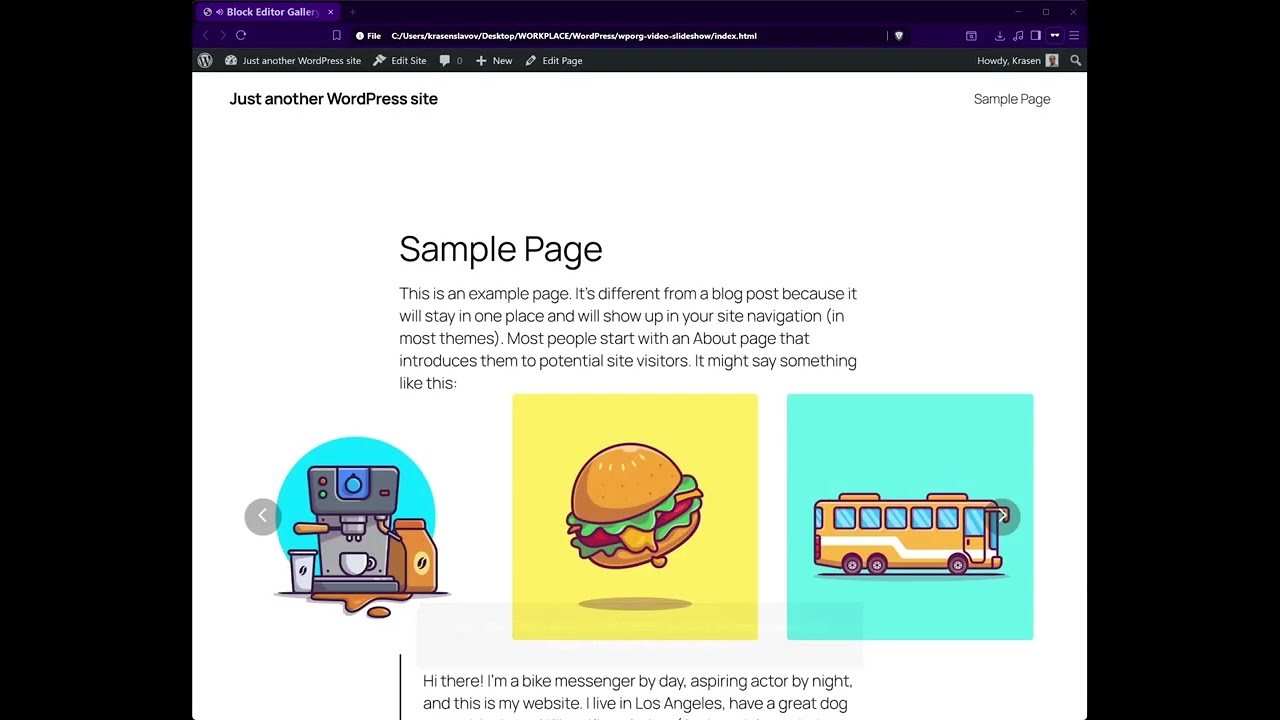
Stop displaying boring static galleries. This plugin transforms your gallery blocks into beautiful responsive image sliders with smooth transitions and lightbox previews.
Key Features
- Convert galleries to sliders instantly
- Smooth, responsive carousel with touch support
- Advanced lightbox with image preview
- WooCommerce product gallery support
- Native Block Editor integration
- No coding required
- Multiple container width options
How It Works
- Install and activate
- Add a Gallery block to any page in Block Editor
- Upload your images to create a gallery
- Enable Gallery Slider in the block settings panel
- Choose container width and lightbox options
- Publish your image slider
Zero configuration required – works immediately with galleries out of the box.
Use Cases
- Portfolio galleries
- WooCommerce product galleries
- Real estate property photos
- Travel destination images
- Wedding event galleries
- Project showcases
- Art collection exhibitions
Installation
From Dashboard
- Go to Plugins > Add New
- Search for “Block Editor Gallery Slider”
- Click Install Now, then Activate
Manual Installation
- Download the plugin ZIP file
- Upload to /wp-content/plugins/
- Activate from the Plugins menu
After Activation
- An onboarding notice guides you through initial setup
- Go to Settings > Block Editor Gallery to configure preferences
- Edit any page/post in Block Editor
- Add a Gallery block and upload images
- Enable Gallery Slider in the Gallery Slider Options panel
- Choose container width (540px – 1680px or Full Width)
- Configure lightbox mode in global settings
- Publish your gallery slider