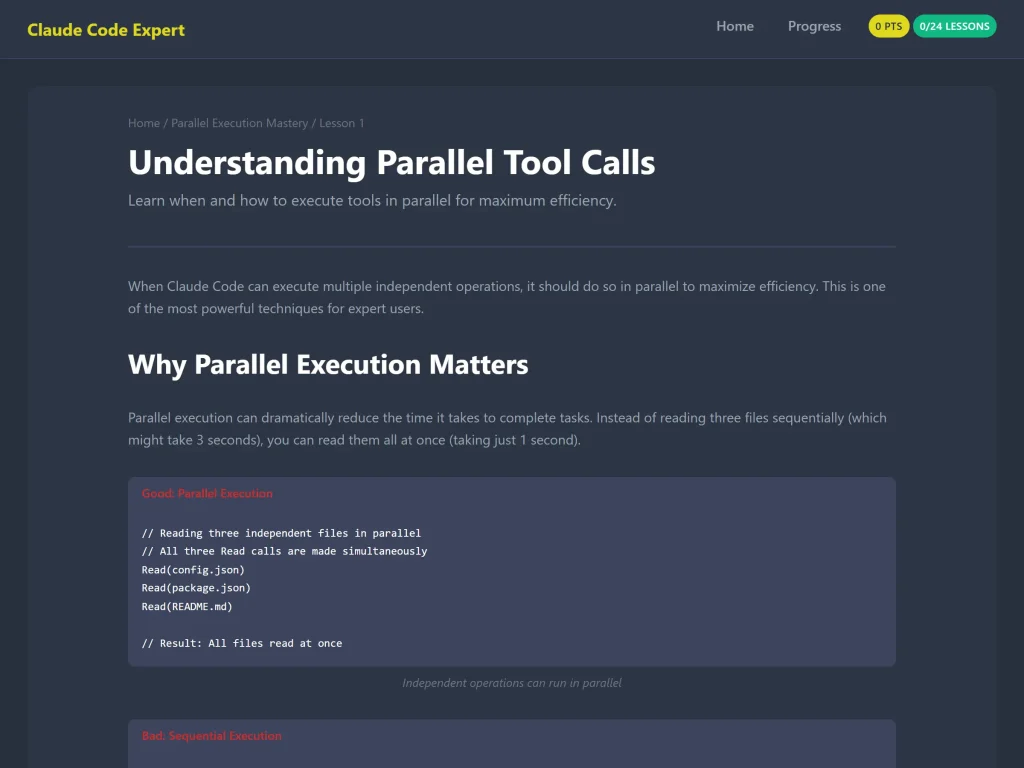

Are you using Claude Code but feel like you’re only scratching the surface? Ready to unlock the full potential of this powerful AI development tool? Our new Claude Code Expert Training Course is here to transform you from a beginner into a confident expert.
What Makes This Course Different?
Unlike passive video tutorials or dense documentation, this course offers a hands-on, interactive learning experience designed specifically for developers who want to master Claude Code techniques efficiently.
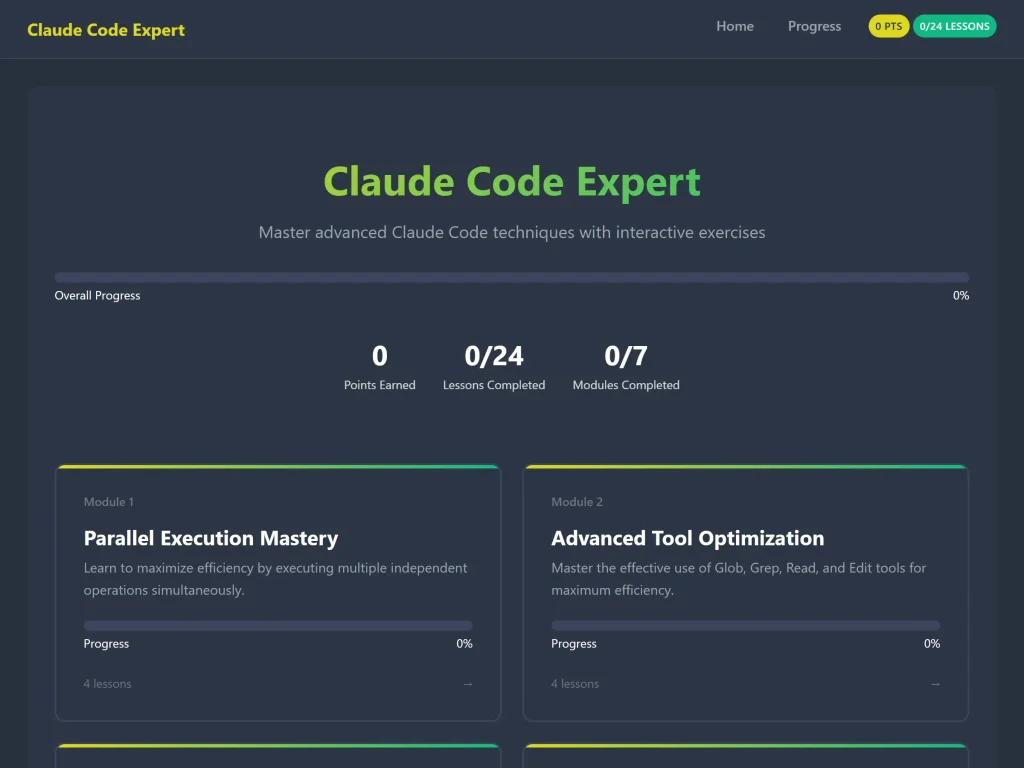
100% Interactive Learning
- 45+ interactive exercises including quizzes, code challenges, and simulations
- Real-time feedback on every exercise
- Progress tracking to monitor your journey
- Points system to keep you motivated
7 Comprehensive Modules
Our carefully crafted curriculum covers everything from basics to advanced expert techniques:
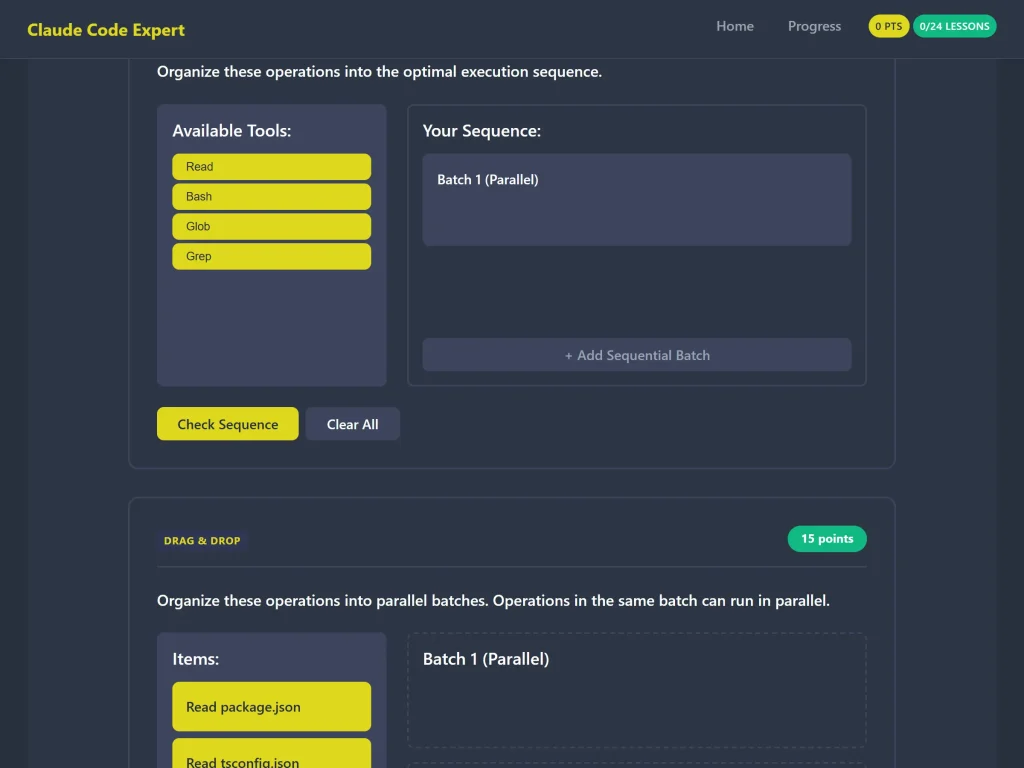
- Parallel Execution Mastery – Learn to maximize efficiency by executing multiple operations simultaneously
- Advanced Tool Optimization – Master Glob, Grep, Read, and Edit tools for peak performance
- Professional Git Workflow – Follow best practices for commits, PRs, and version control safety
- Task Management with TodoWrite – Organize complex coding sessions like a pro
- File Path Best Practices – Avoid common pitfalls with absolute vs relative paths
- Search Optimization Patterns – Discover efficient code exploration strategies
- Error Prevention and Diagnostics – Learn to prevent issues and debug effectively
Who Is This Course For?
This course is perfect for:
- Developers using Claude Code who want to level up their skills
- Teams looking to standardize on best practices
- Students learning modern AI-assisted development workflows
- Professionals who want to work more efficiently with Claude Code
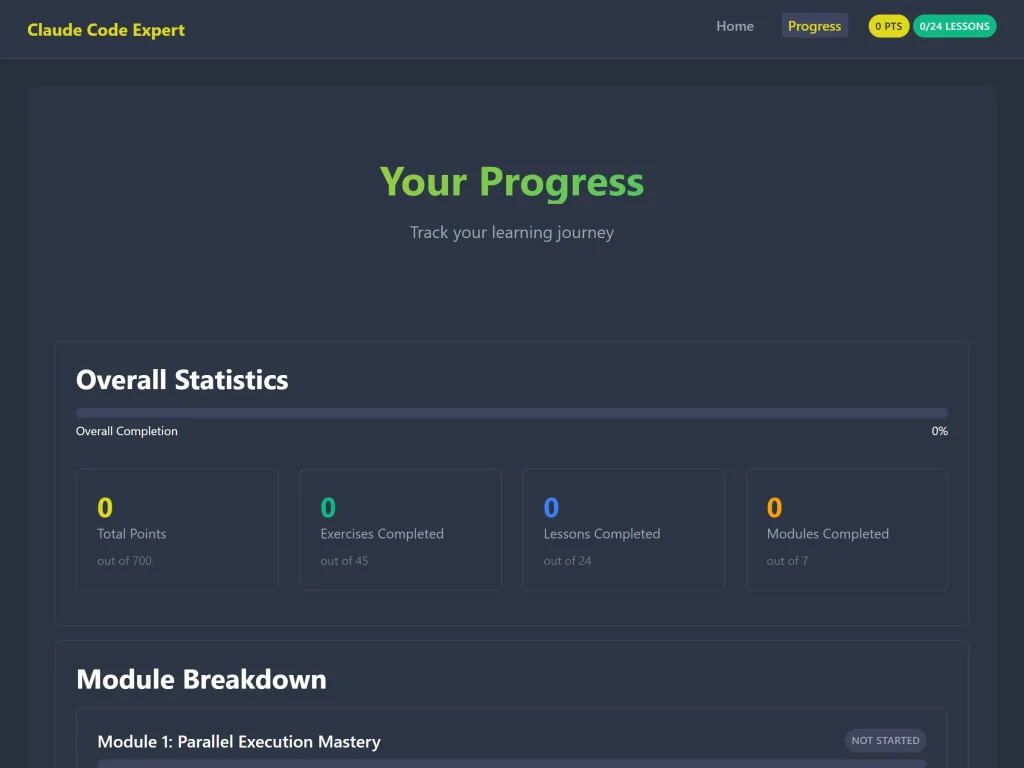
Course Highlights
No Installation Required
- Pure JavaScript with ES6 modules
- No npm, webpack, or build tools needed
- Just open in your browser and start learning
Self-Paced Learning
- ~6.5 hours of comprehensive content
- Learn at your own speed
- Progress automatically saved
Real-World Scenarios
- Practical examples from actual development workflows
- Expert tips and pro strategies
- Common pitfalls and how to avoid them
4 Exercise Types
- Multiple Choice Quizzes – Test your knowledge
- Code Challenges – Write and validate code
- Interactive Simulations – Practice tool usage
- Drag-and-Drop Activities – Organize concepts visually
What You’ll Learn
By the end of this course, you’ll be able to:
✅ Execute tools in parallel for maximum efficiency
✅ Choose the right tool (Glob, Grep, Read, Edit) for every situation
✅ Follow professional Git workflows with confidence
✅ Manage complex tasks with proper tracking
✅ Avoid common file path mistakes
✅ Search codebases efficiently using advanced patterns
✅ Prevent errors and diagnose issues systematically
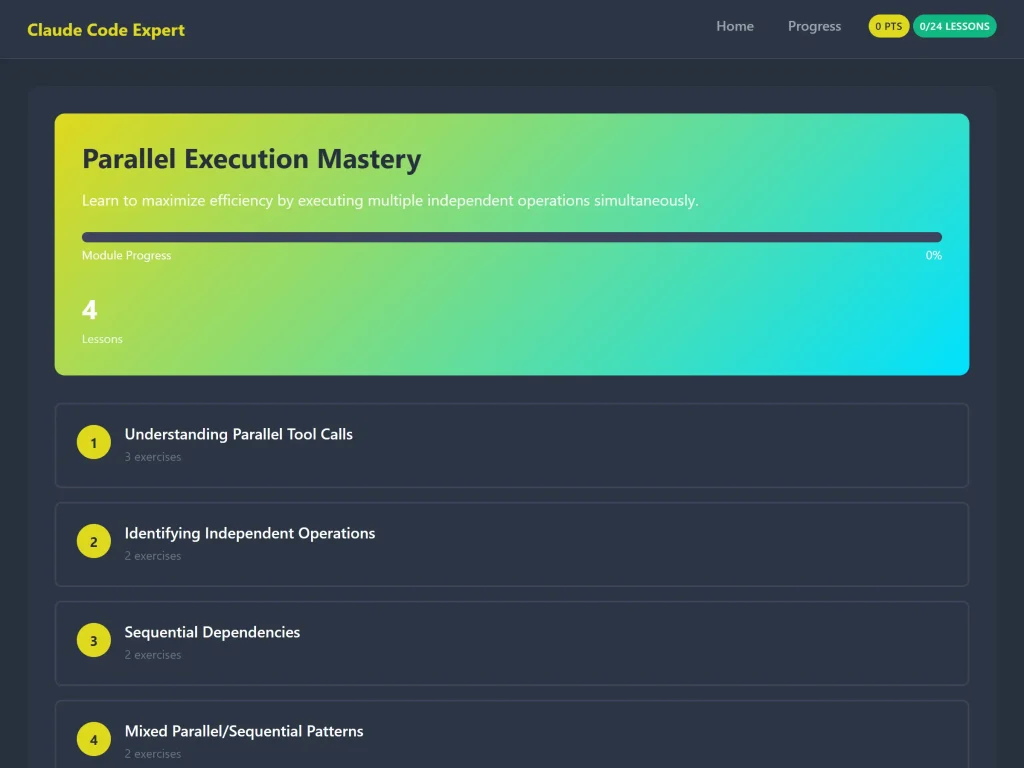
Course Structure
Each module follows a proven learning pattern:
- Clear Explanations – Understand the concepts with real examples
- Code Examples – See best practices in action
- Hands-On Exercises – Practice what you’ve learned
- Immediate Feedback – Know if you’re on the right track
- Expert Tips – Learn pro-level strategies
Technology & Compatibility
The course runs on any modern browser:
- Chrome 61+
- Firefox 60+
- Safari 11+
- Edge 79+
No special software or installations required!
Start Your Journey Today
Whether you’re just starting with Claude Code or you’ve been using it for months, this course will help you work smarter, faster, and with more confidence.
Ready to become a Claude Code expert?
The course includes lifetime access, all future updates, and a money-back guarantee if you’re not satisfied.
Enroll Now and join developers worldwide who are mastering Claude Code!
Frequently Asked Questions
Q: Do I need prior experience with Claude Code?
A: Basic familiarity is helpful, but we start with fundamentals and build up to advanced techniques.
Q: How long does it take to complete?
A: The course contains approximately 6.5 hours of content, but you can learn at your own pace.
Q: Is this course updated?
A: Yes! The course is regularly updated to reflect the latest Claude Code best practices.
Q: What if I get stuck?
A: Each exercise includes hints and detailed solutions to help you learn.
Q: Can I access the course on mobile?
A: Yes! The course works on any device with a modern browser.
About the Course
This comprehensive training program was developed by experts who use Claude Code daily in professional development environments. Every lesson, exercise, and example comes from real-world experience and proven best practices.
Don’t just use Claude Code—master it.